SCORG × Star Comms: Tiered Comms for the Verse
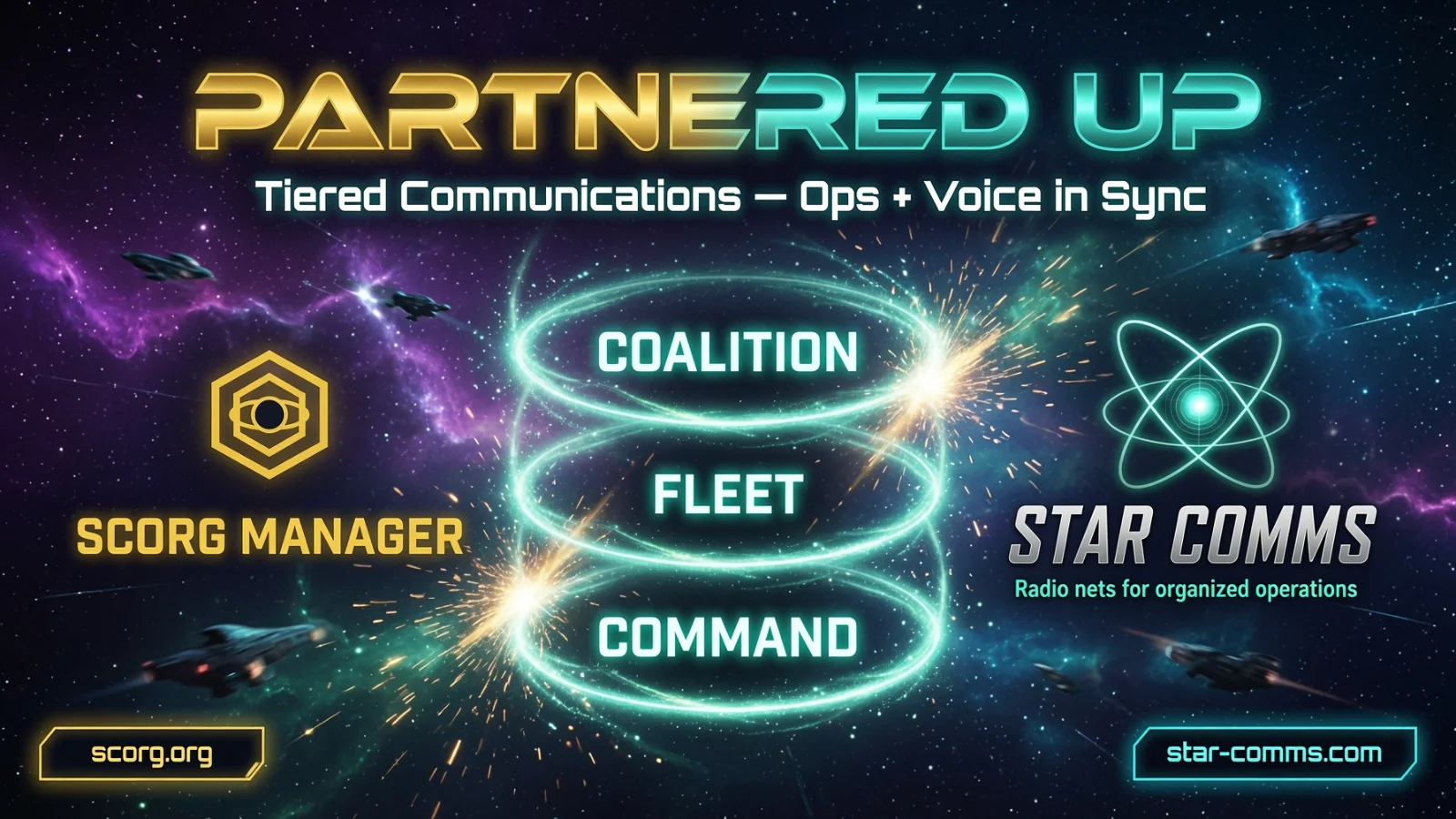
SCORG partners with Star Comms for hierarchical voice nets. Link your shard, provision from Event Ops, and fly with command → fleet → ship radios that match…
Transmission received. Docking complete.
Something just lit up on the UEE spectrum.
SCORG.org and Star Comms have locked clamps — and together we're bringing the cleanest, most command-ready voice stack Star Citizen orgs have been waiting for.
No more one chaotic channel and a chorus of "can you hear me?"
This is tiered comms built for real ops: command nets for the people calling the shots, fleet and ship nets that mirror your roster, escorts folded onto lead-ship frequencies, and push-to-talk that matches how you actually fly.
SCORG runs the org. Star Comms runs the airwaves. One partnership. Maximum presence when the fight gets loud.
Why this hit different
Your Event Ops plan becomes your radio plan.
- Event Command at the top of the stack
- Fleet Command + lead pilots on the next tier
- Lead ship nets for the crew flying the op — nested escorts share that net (no separate fighter spam)
- PTT cards that appear in the Star Comms client after you provision
Build the roster once. Provision the nets. Crew open Star Comms. Everyone lands where they belong.
Link Star Comms to your org (coordinators)
You'll need Manage Star Comms permission on the org.
Centrally hosted (recommended)
- Open Comms Hub → Star Comms → Connection
- Confirm you're in the org that should own the link
- Click Connect via Star Comms — you'll leave SCORG for star-comms.org/partners/scorg.html
- Finish Command Net Supporter / Discord / shard setup on Star Comms if needed
- When the shard is ready, Star Comms redirects you back to SCORG with a short-lived handoff code
- Stay signed in — SCORG redeems the code server-side and seals the Owner API key (it never shows in your browser)
- Return to *Connection**and register the event webhook if it still says Not registered
Handoff codes start with scph_, are single-use, and expire in about five minutes. If redeem fails, restart the flow on Star Comms.
Self-hosted / manual
Still flying your own shard? Use Self-hosted / manual link on the Connection tab and paste your Shard URL + scok_ Owner API key yourself.
Run a Star Comms voice event
- Link Star Comms for the org (steps above)
- Make sure crew have Discord linked on their SCORG profiles — assignments need it
- In Event Ops: add Command posts (optional), fleets, ships, and set Formation "Reports to" so escorts nest under a lead
- Assign Going members — especially Pilots on lead ships and officers on Command posts
- Under Voice & live ops, set the provider to Star Comms
- Click Provision nets (or Re-provision after big roster / formation changes)
What provision does: clears existing nets on the shard first, then builds command → fleets → lead ships. Nested escorts share the lead ship's net.
Lead pilots and command officers can also get Command PTT cards.
- Re-sync assignments — seat tweaks only
- Re-provision — when you add lead ships or command posts
- Keep event / fleet / ship names reasonably short — net names are capped at 40 characters
When the op is over, tear down the nets from the same Voice panel so the shard stays clean for the next jump.
For crew (how to get on net)
- Link Discord on your SCORG profile
- RSVP Going and take a seat (or wait for a coordinator to assign you / a Command post)
- Install and open the Star Comms client for your org's shard
- After the coordinator hits Provision nets, your nets show up as PTT cards — ship card for your lead/formation, Command cards if you're on command
No join link. No channel scavenger hunt. Open the client and talk.
No nets? You may not be Going, not seated, Discord not linked, or the coordinator hasn't provisioned yet. Escort fighters ride the lead ship's net with that crew — not a separate fighter frequency.
Comms flow (top → bottom)
That's the stack. That's the vibe. That's how a fleet sounds like a fleet.
Ready to light it up?
SCORG Comms Hub: https://www.scorg.org/comms
Partner setup on Star Comms: https://star-comms.org/partners/scorg.html
Help Center: search Star Comms in-app for the full handoff and voice guides
o7 — see you on net.
The SCORG Crew